Fix a problem
A specific symptom, clear context and an agreed diagnostic scope.
 THE TECHVAULT
Technology, thoughtfully connected.Hardware · Infrastructure · Software · Support
A useful support visit starts with context. What changed, who is affected and what work is blocked? We turn that into a prioritized action, then document what was done.
Share the symptom and a screenshot. Keep passwords out of the enquiry.
A preparation guide for the first conversation, not an automated diagnosis.
Start with diagnosis and an agreed target. Hardware replacement is a decision after the cause is understood.
Office moves, upgrades and deployments need an inventory, a change window and checks before users return.
Define covered devices, response arrangements, preventive work and escalation instead of relying on vague unlimited support.
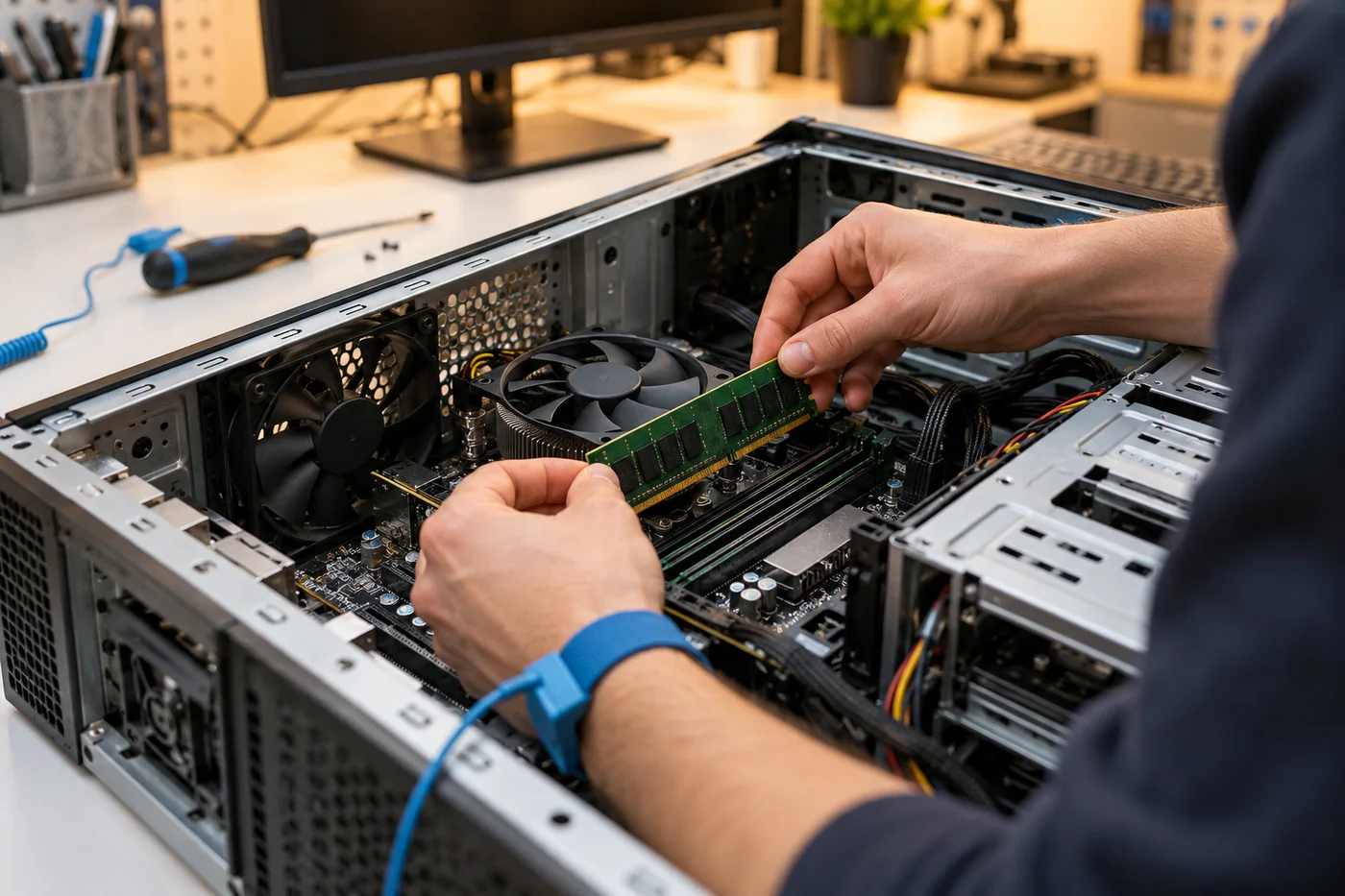
The useful outcome is the working system and the information needed to keep supporting it.
A concept relocation of twelve workstations, a printer and a small network cabinet.
Device inventory, a staged move, network configuration, workstation checks and user sign-off.
An organized transition with responsibilities, test steps and support contacts documented before handover.
A proposed replacement of a small team’s aging desktop computers.
Remote work suits many account, software and configuration issues. Physical faults, cabling and some installation work need a site visit. We decide after the initial assessment.
The handover can include the device list, configuration notes, test results, account ownership and support contacts, according to the agreed scope.